
Built for the automatic moment
Most hand-to-face habits happen before you consciously decide to do them. Awaira is designed for that small window where a gentle interruption can help you choose differently.
Awaira
Awaira watches hand-to-face motion on your computer and gives you a calm cue before hair-pulling, nail-biting, or skin-picking turns automatic.
Free 7-day trial · No account required · macOS 13+ (Apple silicon and Intel) · Windows
Privacy-first by design
Awaira is built to interrupt hand-to-face habits without turning your private moments into cloud data.
About Awaira
Awaira is a Mac app for people who pull hair, pick skin, bite nails, touch their face, or do similar automatic behaviors while working. It catches the early motion and gives you a calm cue before the habit takes over.
Most hand-to-face habits happen before you consciously decide to do them. Awaira is designed for that small window where a gentle interruption can help you choose differently.
Detection runs entirely on your computer. Camera frames are processed locally, discarded immediately, and never uploaded to Awaira's servers.
The app uses quiet cues, progress context, and simple settings so awareness feels manageable during real work instead of becoming another source of pressure.
How it works
Working at your computer, you reach up. Awaira notices. A gentle visual cue appears — not a blocker, not an alarm. You lower your hand and keep working. That's it.
Awaira sits quietly in the menu bar and watches for one thing only: a hand moving toward your face.
You reach toward your hair, skin, or nails — usually before you even notice you’re doing it.
The movement is analysed locally on your computer. No video is recorded, and nothing leaves your device.
A sound, a soft border, or a blur — your choice. You lower your hand, breathe, and carry on.
Founder story
I built Awaira because I struggle with trichotillomania myself. I noticed that I often pull my hair while working at my computer, usually before I even realize I’m doing it. Awaira was created to catch that moment earlier, with a gentle cue that helps me pause. The app runs entirely on-device because privacy was important to me from day one.
Early personal testing
Example from early personal testing. Results vary.
From my own use
“I didn’t realize how often my hand drifted to my hair until Awaira gently nudged me. Most of the time I just lowered it and kept working — no shame, no interruption to my day.”
Customer stories
Real experiences shared by people using Awaira to notice hand-to-face habits earlier.
“I love Awaira. It increases my awareness of my hand and arm moving toward my head. I have noticed that I am less aware than I thought I was.”
“I love this app as I had excessive skin picking behaviour, the team helped me with the setup and I loved their support. Much appreciated!”
Mac workflow
Awaira fits into the familiar rhythm of macOS: menu bar status, native preferences, privacy-first camera permission, and cues that appear only when needed.
Awaira uses the standard system camera-permission flow, then analyses hand movement locally on-device. Your video stays on your computer.
Start, pause, check today’s count, or open settings from a compact menu bar popover whenever you need control.
When your hand reaches your face, Awaira shows a calm reset cue so you can lower your hand and continue what you were doing.
Current app experience
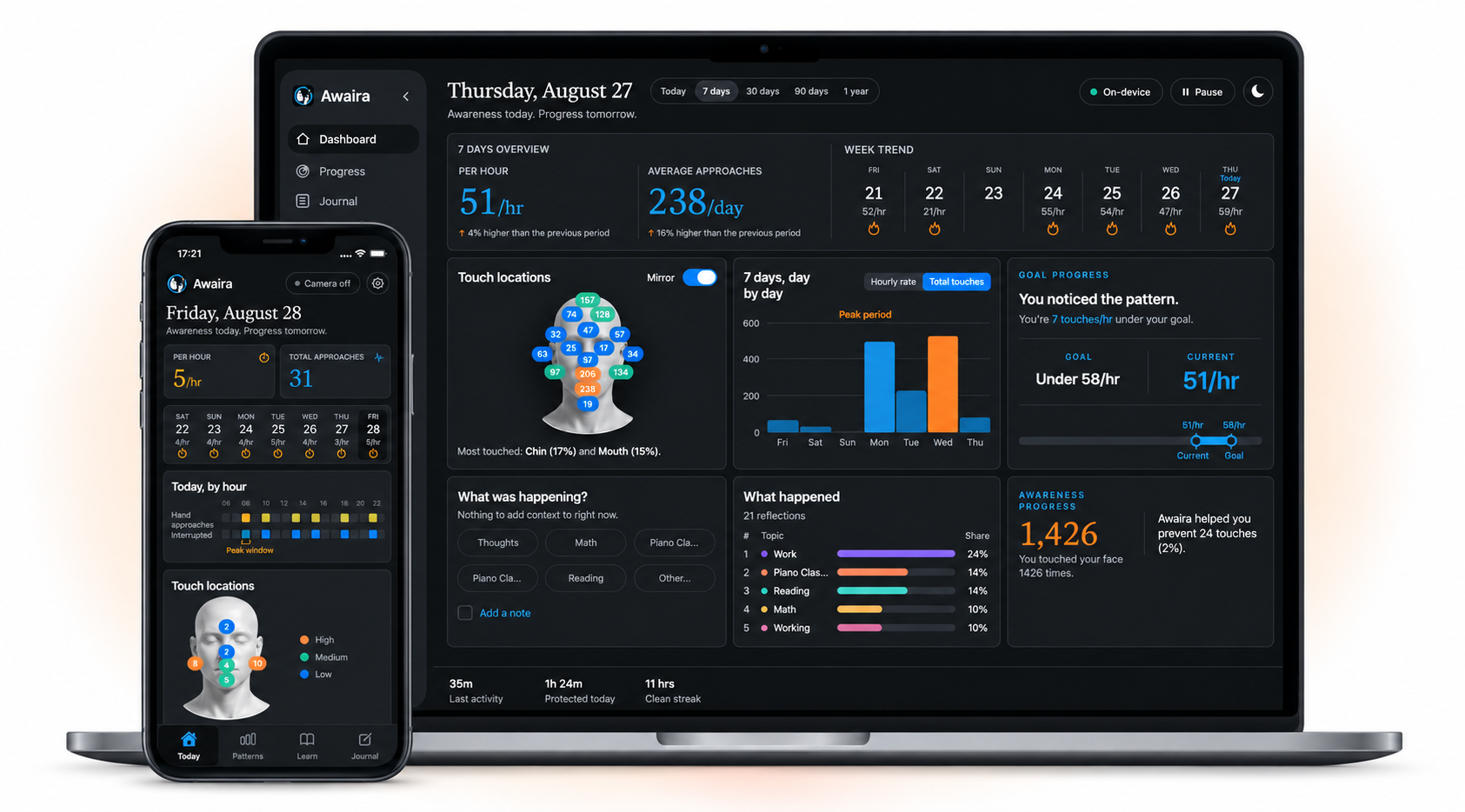
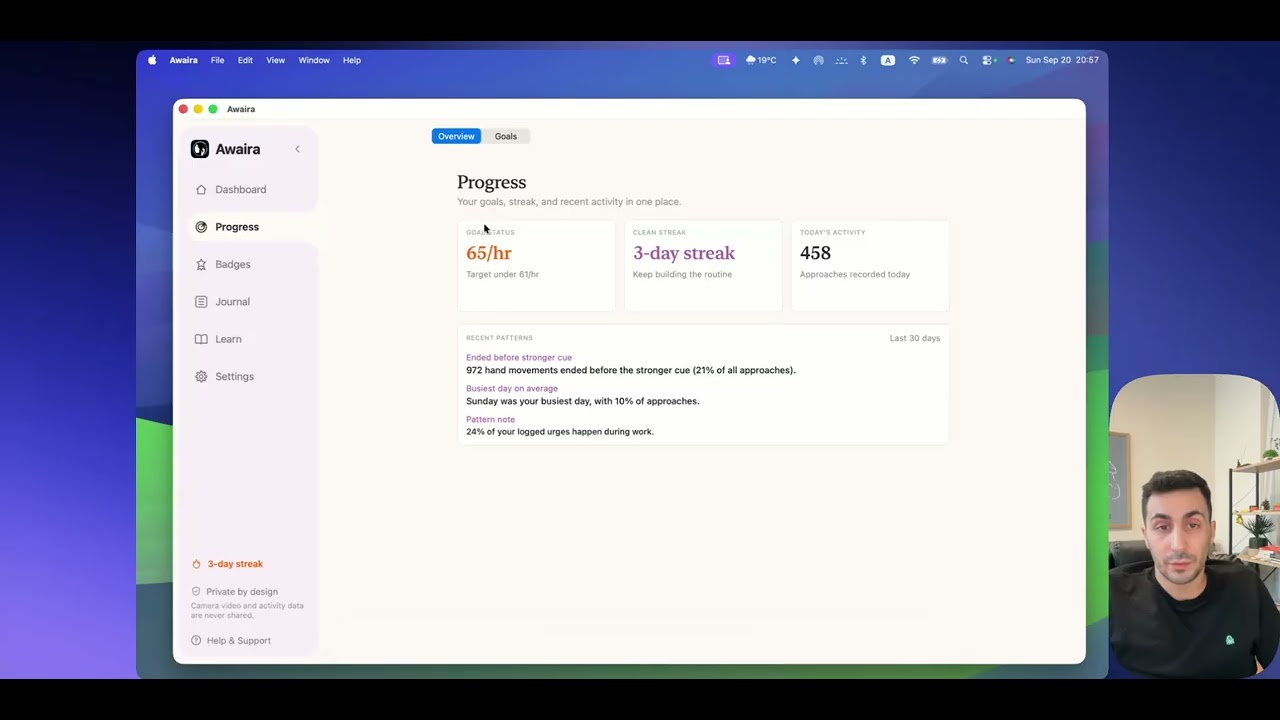
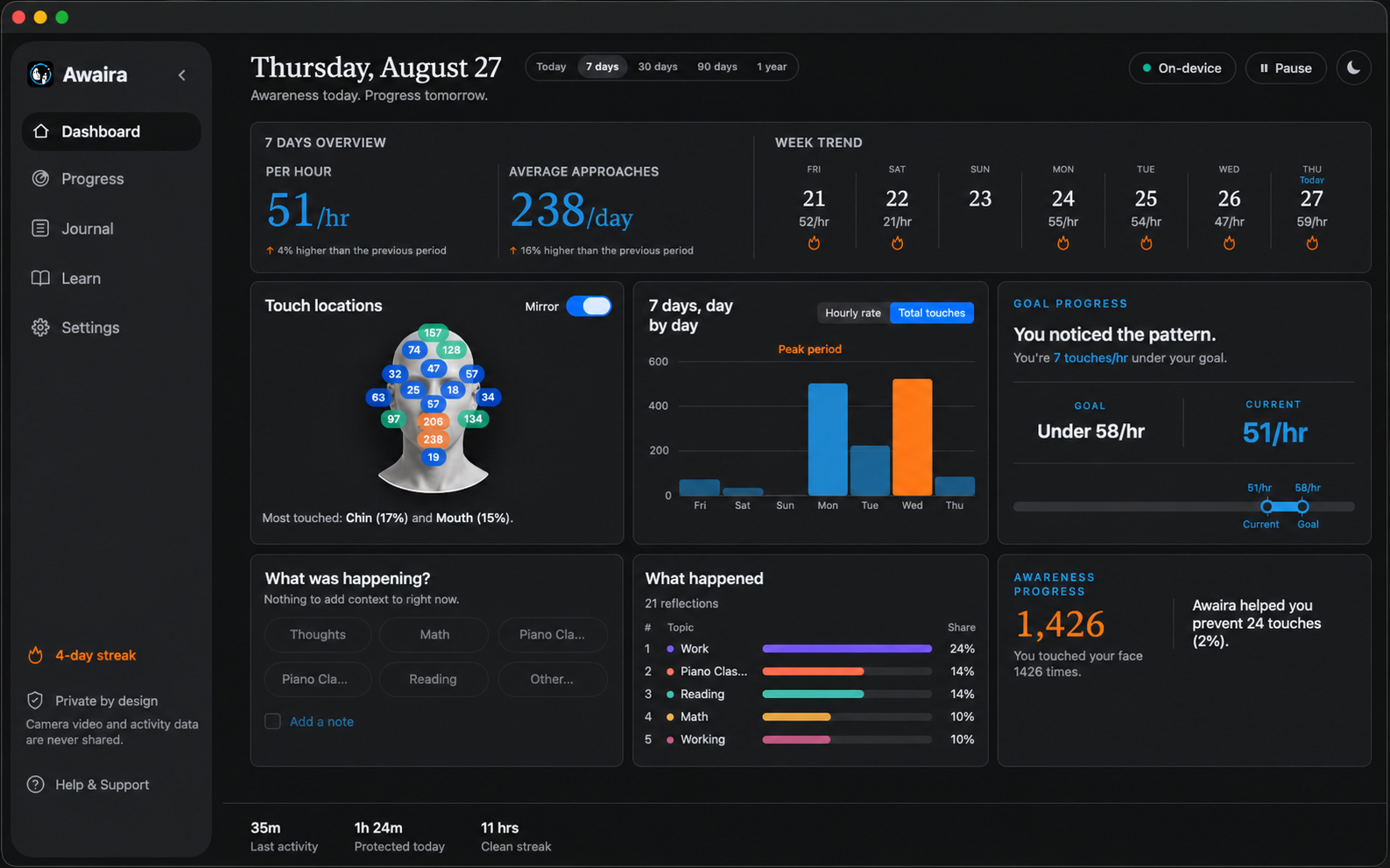
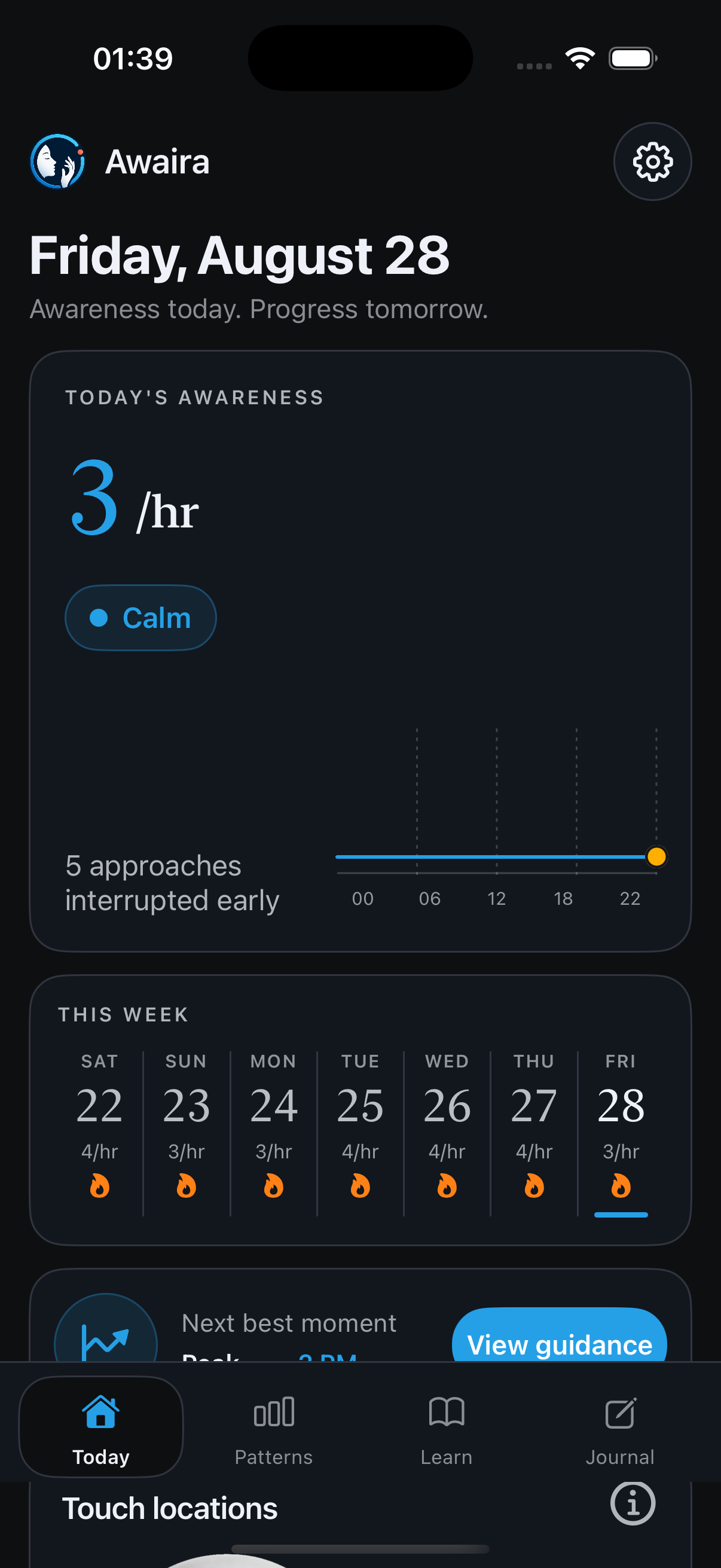
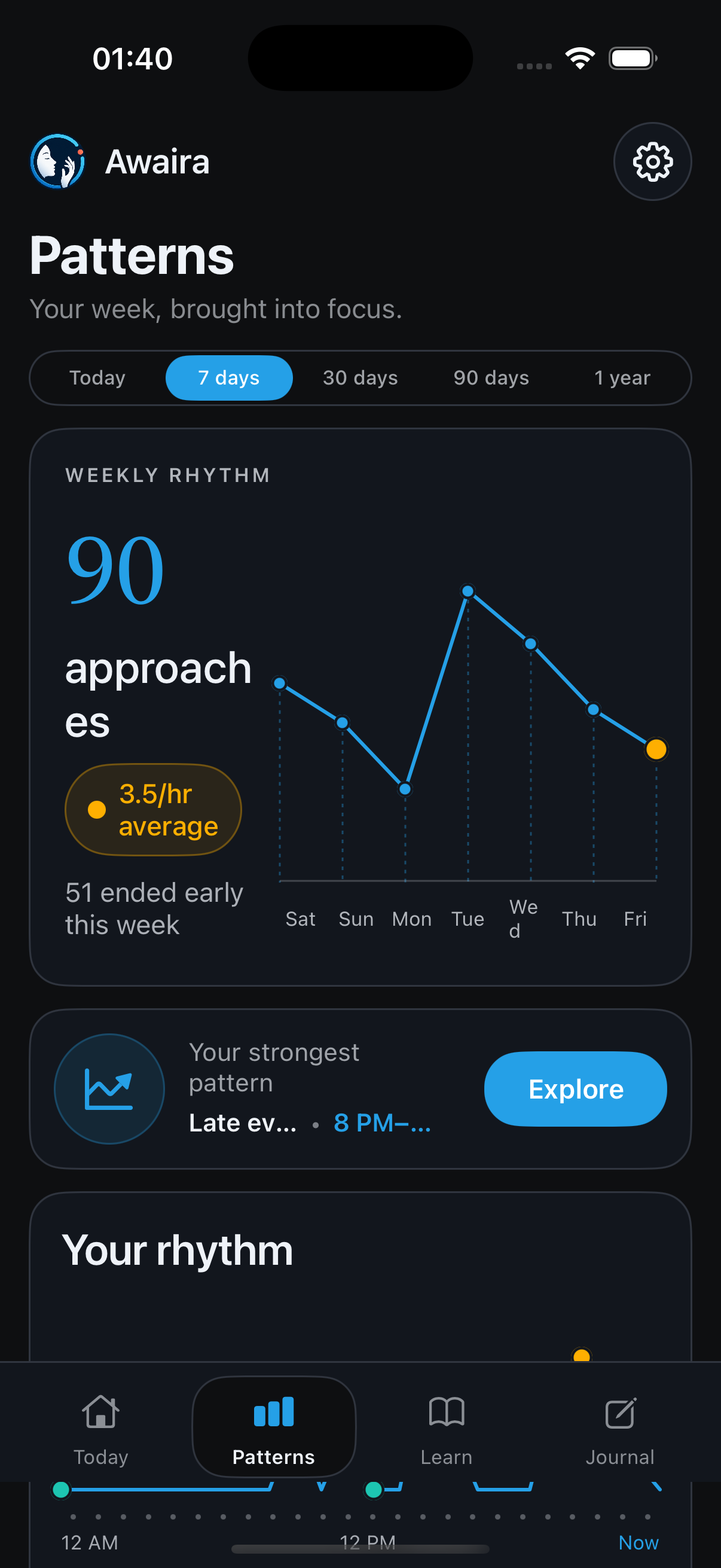
Awaira keeps the daily view focused on what matters now: your current pace, the last week of activity, and the nudge settings you can tune anytime.
The main number is normalized per hour, so short and long tracking sessions stay comparable.
The 7-day strip slides by a single day with the arrows, making recent changes easier to inspect.
Camera processing stays local, and support gives clear paths for feedback, bugs, and direct contact.
Awaira Blogs
Plain-language, source-linked guides on hair pulling, skin picking, acne picking, nail and cuticle habits, and lip or cheek biting. Health content is general information, not medical advice.
Pricing
Every plan is the full app — all detection, every nudge, all your insights. Nothing is paywalled. Start with 7 days free, then keep going only if it's working for you.
7-day free trial · No account · No credit card · Cancel anytime · 100% on-device
Try it month to month
$4.99/month
Best value — most people pick this
$47.88/year
Pay once, keep forever
$99.99once
Local taxes may be added at checkout depending on where you live. Every plan starts with the full 7-day free trial — no card needed. If price is ever a barrier, email hello@awaira.app and we'll help. Cancel subscriptions anytime.
FAQ
Camera frames are analysed live on your device using Apple’s Vision framework. They’re never recorded, uploaded, or sent to a server — they exist only momentarily in memory and are then discarded.
No. Awaira does not record video or keep camera images by default. Detection happens in real time on your device, and camera frames are immediately discarded. Optional screenshots are off by default; if you turn them on, they are saved locally on your computer.
Awaira intentionally detects hand-to-face movements, not just pulling or picking. Many body-focused repetitive behaviors begin with an ordinary touch. Catching that movement early helps interrupt the habit before it becomes automatic.
Yes — Awaira runs natively on Mac (macOS 13 or later, Apple silicon and Intel) and on Windows. Download the version for your platform above.
Yes. You decide the reaction — a sound cue, a red border around the screen, or a blur. Use any combination, or switch them off entirely.
Awaira starts with a 7-day free trial that includes the full app — no account or credit card required. After the trial, you can upgrade with monthly, yearly, or lifetime options.
No. Awaira is a wellness and awareness tool, not a medical device, and it doesn’t diagnose or treat any condition. If you’re struggling, please reach out to a qualified professional.
Start the full 7-day trial on your Mac or Windows PC.
Download for Mac Download for WindowsFree 7-day trial. No account required.