Movement toward head or face
A hand moves from the desk toward the scalp, temple, eyebrow, cheek, or mouth area while the camera can see you.
 Awaira
 gives a gentle cue when it sees a hand moving toward your face or head during computer work. You do not have to stop and manually log the moment first.
7-day trial · no account or card required · detection stays on your device
Works while Awaira is open on your iPhone screen
On Mac, Windows and Linux the cue keeps working while you use other apps. On iPhone, prop the phone up and keep Awaira open during the session. See the full platform comparison.
This is designed for the early part of the loop—when attention is on an email, document, game, or meeting and your hand has started moving before you have consciously noticed it. More on hair pulling while studying, gaming or working.
A hand moves from the desk toward the scalp, temple, eyebrow, cheek, or mouth area while the camera can see you.
The cue gives you a practical choice: lower your hand, use a competing response, take a reset, or continue deliberately. Awaira does not claim to know what happened after that.
Awaira is a trichotillomania app for moments when your hand moves toward your head or face in view of the camera. The cue is about movement, so it can also appear for an ordinary touch.
Awaira works as a hair pulling reminder app during visible screen time. Its camera cue responds when your hand approaches your head or face. If you need a camera app for hair pulling awareness, you can try the cue without manually logging each moment.
Looking for an eyebrow pulling app or eyelash pulling app? Awaira can cue movement toward the brow or eye area when your hand and face are visible. It cannot tell whether a lash or brow hair was pulled. Read our guide to eyelash and eyebrow pulling.
Awaira can serve as a beard pulling app during screen time by cueing your hand as it approaches your chin or jaw. It cannot distinguish beard pulling from resting your chin or touching your face.
Use the automatic cue in the moment, then look back at your own private patterns when it is useful.
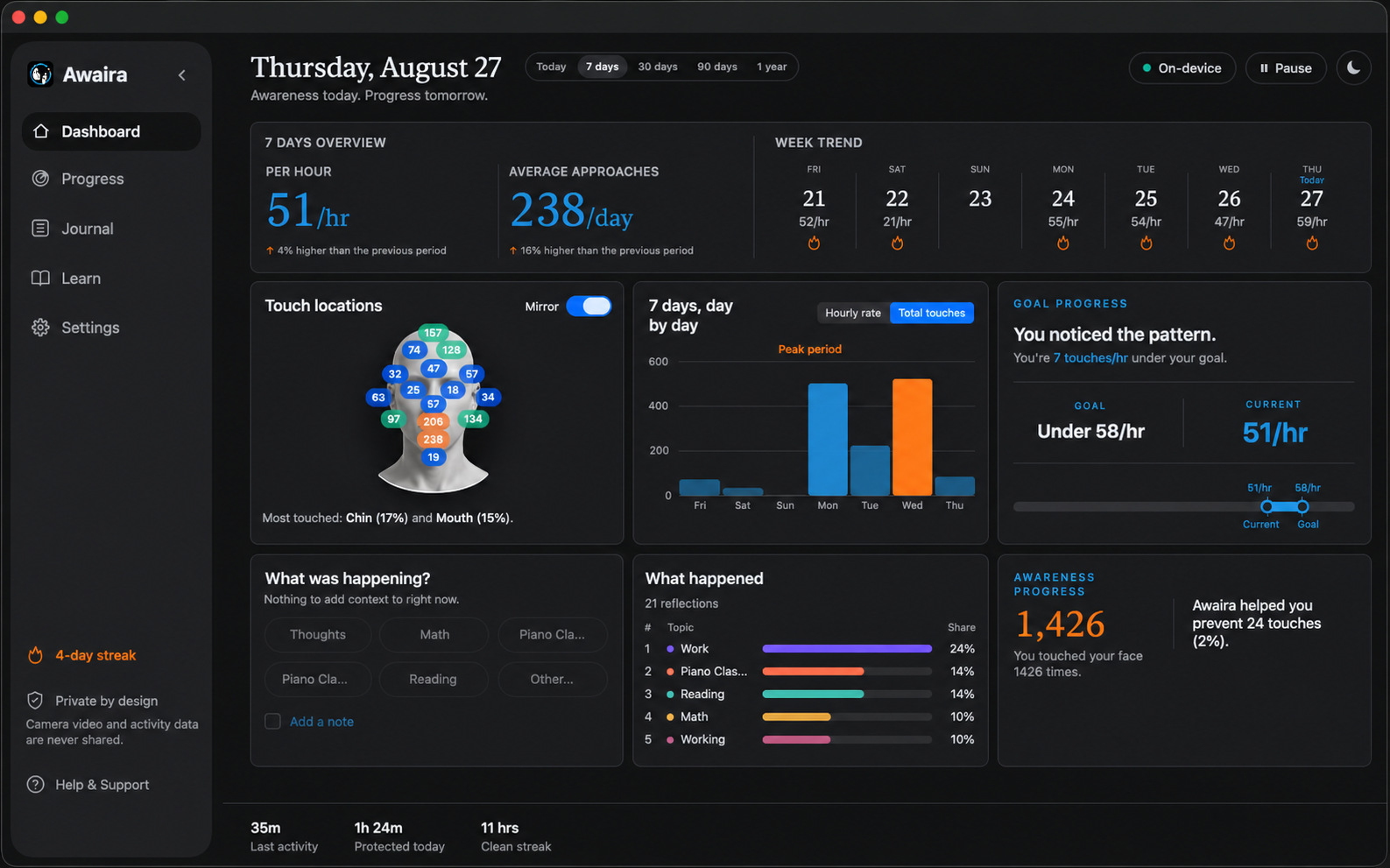
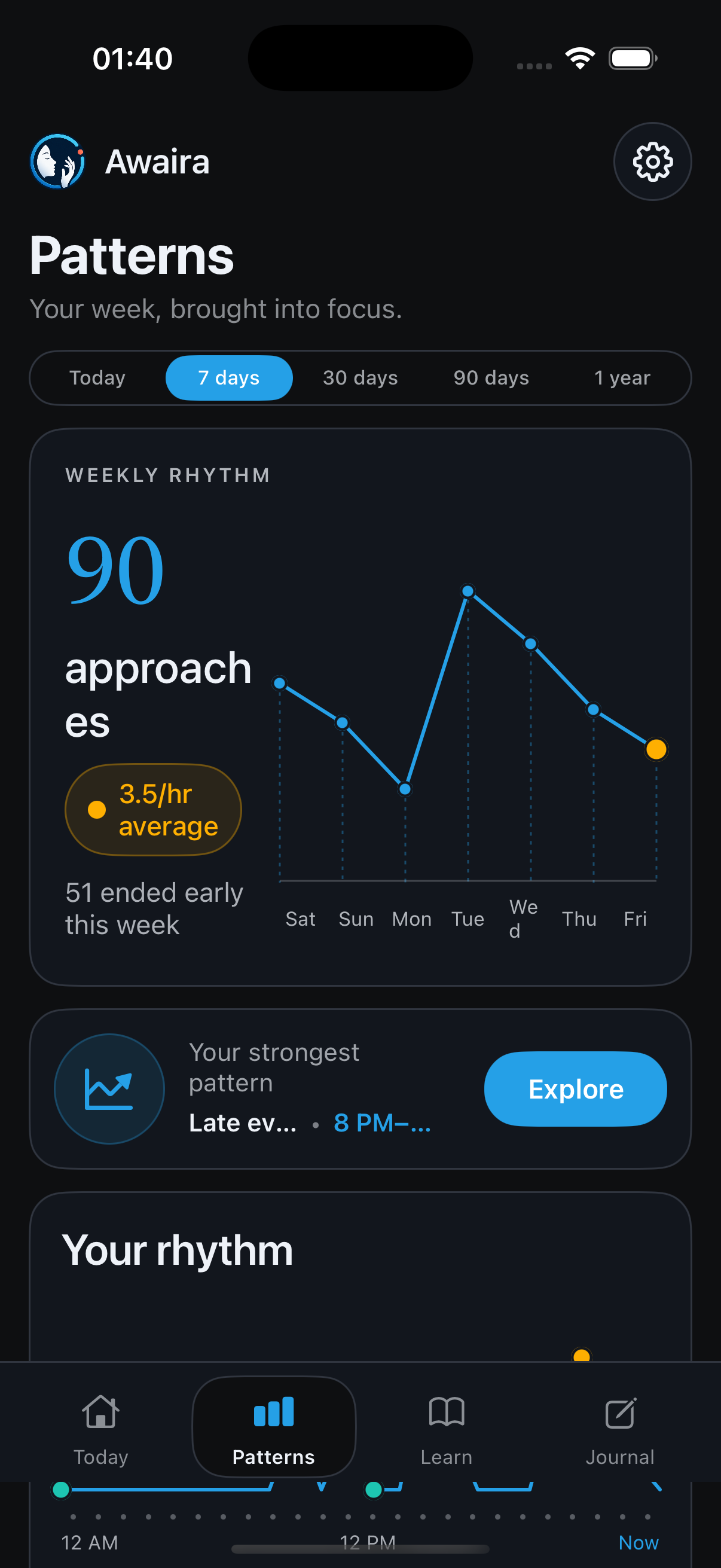
Choose your computer, Android phone, or iPhone below.
The camera lets Awaira analyse hand to face movement locally on your device.
Keep it gentle and practical—something you will notice during the workday.
Keep the camera in view and see whether the cue fits your usual computer-time moments.
Choose a device. Android is a direct APK download; iPhone is available on the App Store.
 Scan for iPhone
 Scan for Android
These are educational articles, not a substitute for professional care.
Awaira gives you a moment of awareness when the hand goes up. What you do with that moment remains yours.
No account on native apps · camera frames stay on your device
Works while Awaira is open on your iPhone screen
On iPhone, awareness runs only while Awaira is open in the foreground.
Awaira records this page’s private visit and installer-click rate in its own dashboard, no ad pixels or video uploads.