Hand leaves the desk, then approaches face
Awaira watches for the approach while its camera has a clear view. It does not need a manual entry before it can offer a cue.
 Awaira
Awaira creates an automatic cue when it sees a hand moving toward your face or head. It is useful when you are absorbed in reading, studying, or problem-solving and do not want to manually log every moment.
7-day desktop trial · no account or card required · camera processing stays on your device
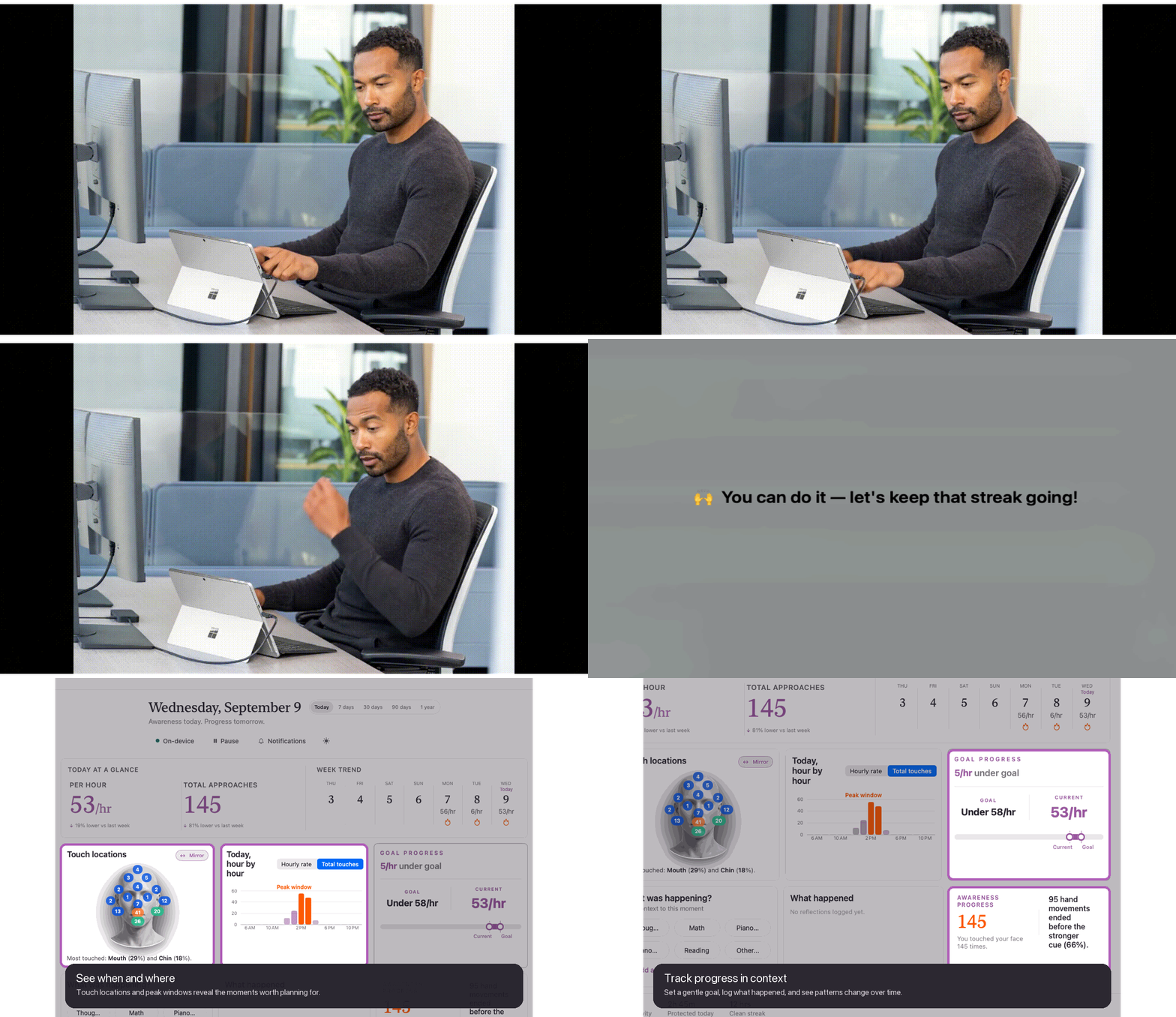
When concentration is high, a hand can reach the mouth before the moment registers. The aim is not to police every movement; it is to restore a small moment of choice while you work.
Awaira watches for the approach while its camera has a clear view. It does not need a manual entry before it can offer a cue.
Keep a pen, fidget, or planned reset nearby. The cue can help you notice the moment; the response is personal and remains in your control.
Awaira’s private patterns can help you notice when screen-time hand-to-face activity tends to happen.
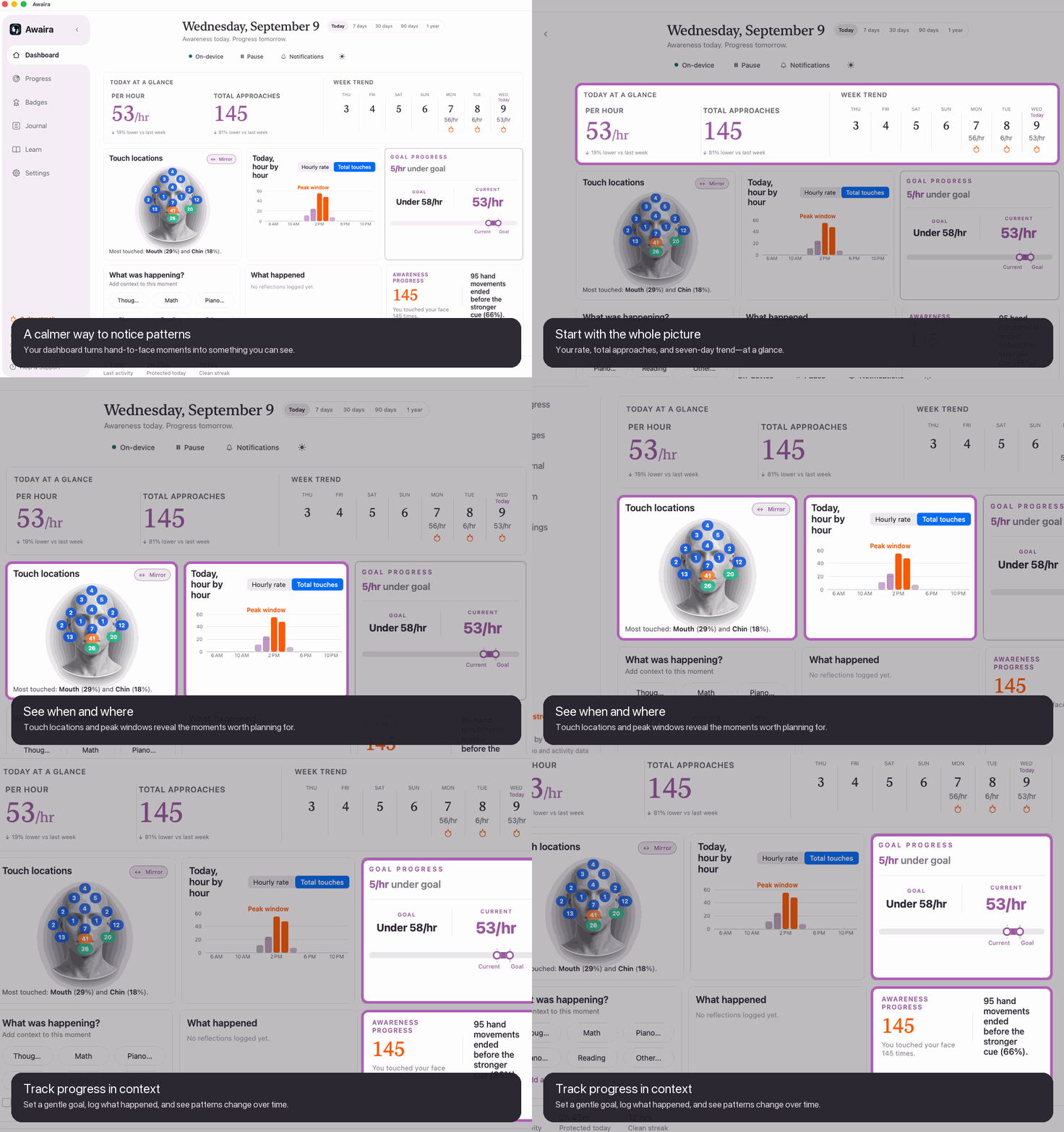
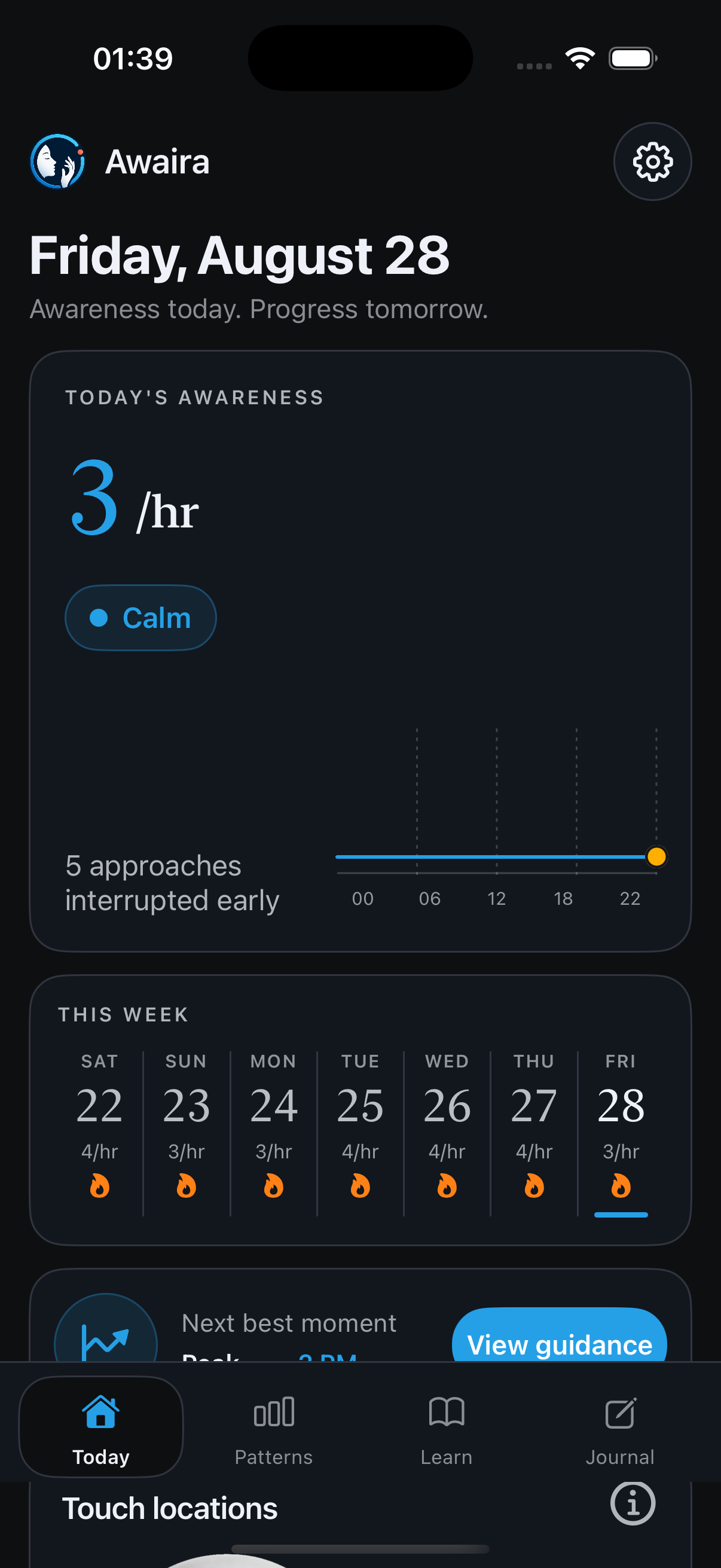
Pick desktop, Android, or iPhone from the availability list.
Keep your face and upper body comfortably in view while you read or work.
Awaira processes the movement locally to create its awareness cue.
Choose something simple to do when you notice the cue: return hands to desk, hold an object, or pause.
Android is a direct APK download. iPhone is available on the App Store.
Awareness while you read and work.
Download for Mac →Desktop awareness for study sessions.
Download for Windows →Desktop awareness for supported Linux systems.
Download for Linux →Direct APK; works while other apps are frontmost.
Get Android APK →Use Awaira while the iPhone app is open.
Get it on the App Store →These guides explain common patterns and practical approaches; they are not medical advice.
Awaira can notice the approach. You decide what comes next.
Awaira records this page’s private visit and installer-click rate in its own dashboard—no ad pixels or video uploads.